
 Home
Home Order Forms
Prepping Your Carousels
Understanding Sawyer Tray " Carousel" Preparation
The Sawyer-style carousel holds 100 slides and presents a unique challenge: the slides must be removed before scanning. Unlike Kodak carousels, Sawyer carousels stand upright during projection (more like a "Ferris wheel" than a traditional carousel), which means the slots are tight and slides become firmly stuck in place. This design makes slide removal time-consuming and labor-intensive.
Your options: You can remove the slides yourself before shipping (recommended to save money), or we can remove them for a small additional fee. Please contact us if you'd like us to handle slide removal. Note: Slides are not returned to the carousel after scanning—they'll be organized in stacks.
Step-by-Step Visual Guide
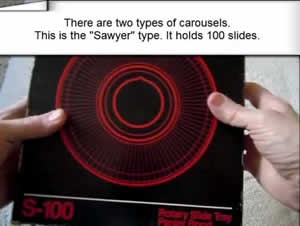

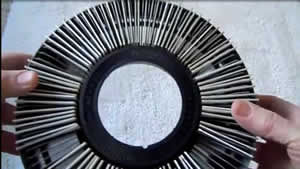
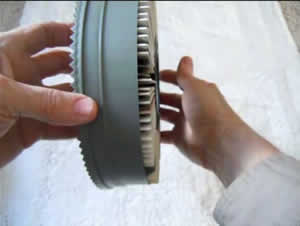
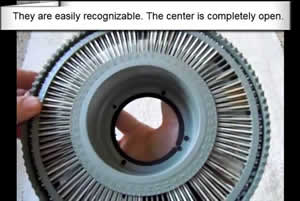
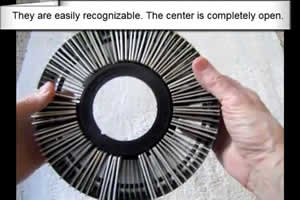
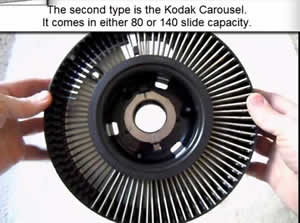

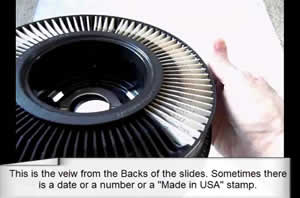

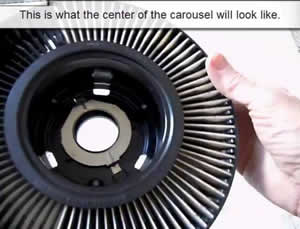
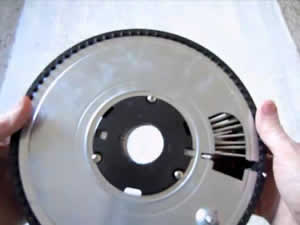
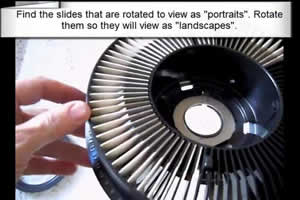
Critical Step: Rotate Portrait Slides to Landscape
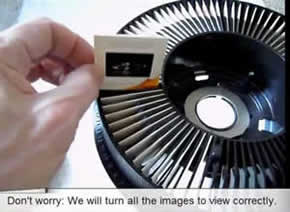
Find portrait-oriented slides and rotate them to landscape position. Some photographers turned their cameras sideways to take vertical "portrait" pictures, then rotated those slides in the carousel for correct projection. Before scanning, ALL slides must be rotated to "landscape" (horizontal) orientation to prevent cropping.
Don't worry: We'll rotate your digital images to display correctly after scanning. This step just ensures nothing gets cropped during the scanning process.
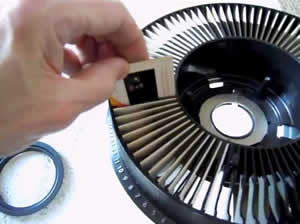
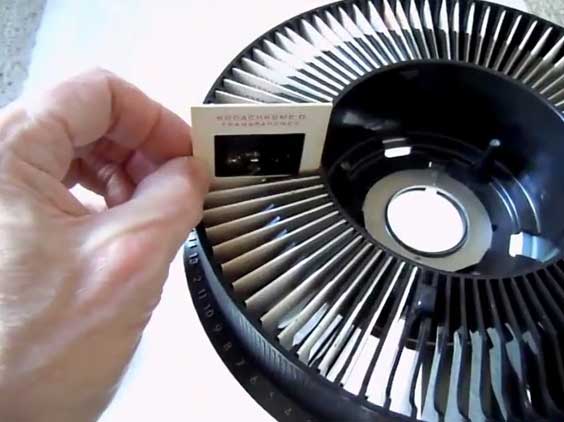
Why This Preparation Matters
Proper preparation ensures efficient scanning and prevents image cropping. While the removal process is time-consuming, it's essential for high-quality results. If you'd rather focus on enjoying your memories than extracting slides from tight carousel slots, we're happy to handle this step for you.
Need help with carousel preparation?
Contact us about our carousel slide removal service, or check out these related guides: